




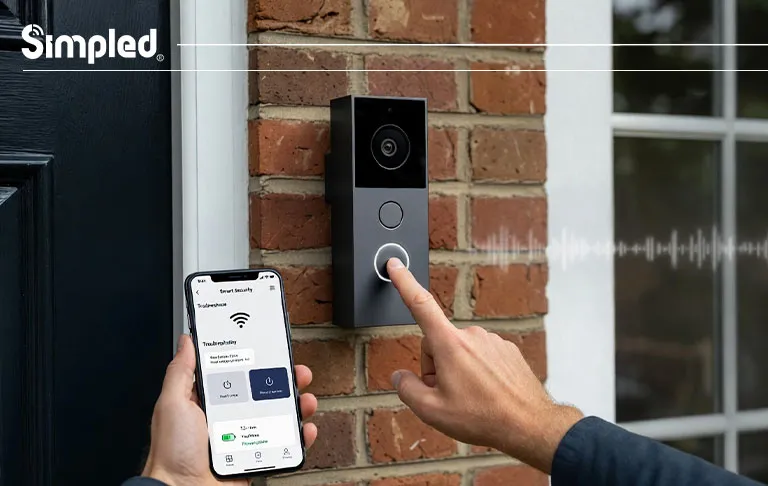
Smart doorbell cameras are meant to make life easier—showing you who’s at the door, protecting deliveries, and adding peace of mind. But when your doorbell camera suddenly stops ringing, rings non-stop, or behaves unpredictably, it quickly becomes frustrating.
If you’ve been searching for how to fix a doorbell camera, or wondering how do you fix a doorbell that won’t ring, you’re not alone. These are some of the most common smart home issues UK homeowners face, especially in older properties with mixed wiring standards.
This guide walks you through practical, real-world solutions—from simple checks you can do in five minutes to deeper troubleshooting steps used by installers and smart locks specialists. Along the way, we’ll highlight best practices, common mistakes, and professional tips to help you avoid repeat issues.
Understanding How a Doorbell Camera Works (Before You Fix It)
Before jumping into fixes, it helps to understand what’s actually happening behind the scenes.
A doorbell camera usually relies on four core components:
- Power source – battery-powered, wired, or hybrid
- Chime system – mechanical chime, digital chime, or app-only alerts
- Connectivity – Wi-Fi signal strength and stability
- Sensors & firmware – motion detection, press button, and software logic
When one of these fails—or when two components don’t “agree” with each other—you’ll see symptoms like:
- No ring at all
- Constant ringing
- Delayed or random alerts
Think of it like a conversation where one person is shouting, one is whispering, and the internet cuts out mid-sentence.
How to Fix a Doorbell Camera That Is Not Ringing
- Check the Basics First (You’d Be Surprised How Often This Works)
Before tools or rewiring, start here:
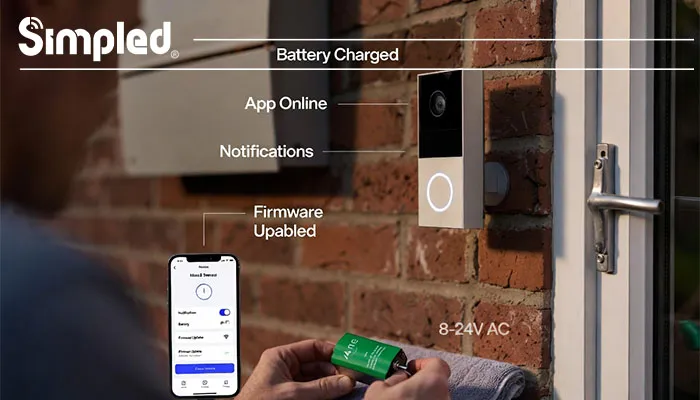
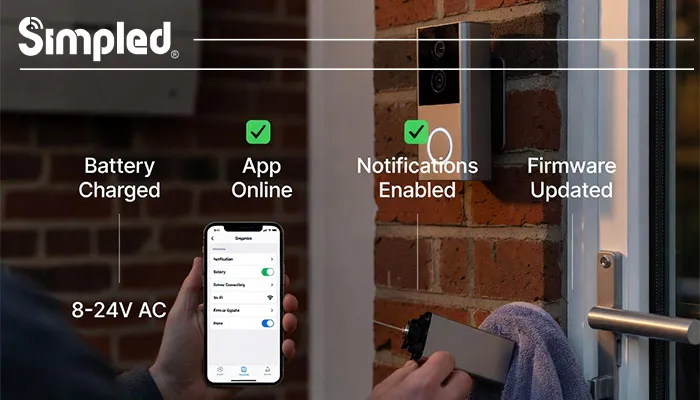
- Is the battery charged (even wired models often have backup batteries)?
- Is the doorbell camera online in the app?
- Are notifications enabled on your phone?
- Has Do Not Disturb or Focus Mode muted alerts?
Expert tip:
Many “not ringing” issues are actually notification permission problems after phone OS updates.
2. Inspect the Power Supply (Most Common Root Cause)
If your doorbell camera has power issues, it simply won’t ring.
For battery-powered doorbells:
- Remove the device and fully recharge it.
- Check battery contacts for dust or corrosion.
- Reinsert firmly—loose contact can cause intermittent failures.
For wired doorbell cameras (very common in the UK):
- Turn off power at the consumer unit.
- Check voltage output from the transformer (usually 8–24V AC).
- Older UK transformers may not supply enough power for modern video doorbells.
Common mistake:
Assuming “wired” means “unlimited power.” Many older chimes were never designed for cameras.
3. Test the Chime Unit (If You Have One)
If your phone rings but the indoor chime doesn’t:
- Remove the chime cover and inspect wiring.
- Ensure the doorbell camera is compatible with mechanical vs digital chimes.
- Some smart doorbells require a chime adapter or bypass module.
4. Reconfigure App Settings and Firmware
Open your doorbell camera app and check:
- Ring volume level
- Linked chimes or devices
- Firmware updates
Best practice:
Always update firmware before deeper troubleshooting. Many ringing bugs are software-related.
How Do You Fix a Doorbell That Won’t Ring at All?
If pressing the button does absolutely nothing—no sound, no notification—try these steps.
Step-by-Step Diagnostic Checklist
- Press the button firmly for 2–3 seconds
- Watch for LED indicators (colour or blinking patterns)
- Test from another phone/account if possible
- Restart the device from the app
- Power-cycle the Wi-Fi router
If still dead, remove the unit and test power directly at the terminals.
Installer insight:
In professional installs, over 40% of “dead” doorbells are caused by loose mounting screws interfering with wiring contact.
How to Fix a Doorbell That Keeps Ringing Non-Stop
This is one of the most annoying problems—and usually the easiest to fix once you know the cause.
1. Check for Stuck or Over-Sensitive Buttons
In winter, condensation is a frequent culprit in UK homes.
Dirt, moisture, or swelling (from cold weather) can cause constant triggering.
Gently clean around the button with a dry cloth.
2. Motion Detection Set Too Aggressively
Many users confuse motion alerts with ring alerts.
Adjust:
- Motion sensitivity zones
- Detection frequency
- Person-only detection (if available)
Analogy:
It’s like setting a car alarm so sensitive it goes off when a leaf falls nearby.
3. Wiring Short Circuit (Wired Models)
If your wired doorbell keeps ringing:
- Turn off power immediately.
- Inspect exposed wires touching each other.
- Check for water ingress behind the mounting plate.
Safety note:
If unsure, stop and consult an electrician—especially in older properties.
4. App Automation or Smart Home Integration Conflicts
If your doorbell is connected to:
- Alexa
- Google Home
- Home Assistant
Check for:
- Multiple devices responding to one trigger
- Duplicate routines
- Automation loops
Wi-Fi Issues That Cause Ringing Problems (Often Overlooked)
A weak or unstable Wi-Fi connection can cause:
- Delayed rings
- Missed notifications
- Repeated alerts
How to Test Wi-Fi Strength at the Door
- Stand at your front door and check signal bars.
- Anything below −65 dBm is unreliable for video devices.
Solutions:
- Move the router closer
- Add a mesh node
- Use a dedicated IoT-friendly router band
At Simpled, we often see better reliability when smart devices are designed to work efficiently with low-power wireless protocols—reducing dependence on constant Wi-Fi chatter.
Environmental Factors That Affect Doorbell Cameras
Doorbells live outdoors—and that matters.
Weather & Placement Issues
- Direct sunlight can overheat devices
- Rain can seep into poor seals
- Cold temperatures reduce battery performance
Best practice placement:
- Mounted securely on a flat surface
- Sheltered from rain
- Not facing direct midday sun
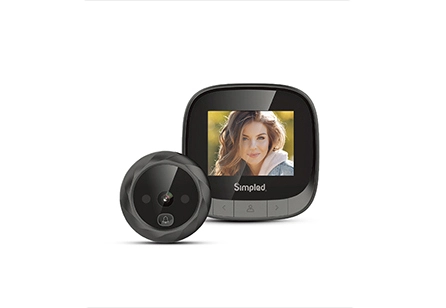
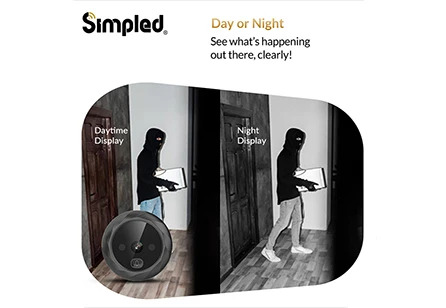
If you’re upgrading your entrance security alongside your doorbell camera, choosing the best digital door viewer can give you an extra layer of visibility—especially in flats or homes where installing a full video doorbell isn’t practical.
When Resetting Is the Right Move (And When It’s Not)
A factory reset can fix stubborn issues—but it’s not always step one.
Do a Reset If:
- Firmware update failed
- Device behaves erratically
- App pairing is broken
Avoid Reset If:
- You haven’t backed up settings
- The issue is clearly power or wiring-related
Preventing Future Doorbell Camera Problems
Once fixed, keep it that way.
Long-Term Maintenance Tips
- Clean the button every few months
- Check battery health seasonally
- Update firmware regularly
- Review motion settings after app updates
Professional insight:
Devices designed with energy efficiency, durable materials, and smart firmware logic tend to have far fewer ringing issues over time—something we prioritise heavily in our own product design philosophy.
Conclusion: Fix It Once, Fix It Properly
Knowing how to fix a doorbell camera isn’t just about solving today’s problem—it’s about understanding how the system works so issues don’t return. Whether your doorbell is not ringing, won’t ring at all, or keeps ringing constantly, the solution usually comes down to:
- Power stability
- Smart configuration
- Quality hardware design
With the right setup—and well-engineered devices—you can enjoy reliable alerts, clear video, and a front door that works exactly as it should.



Leave a Reply