

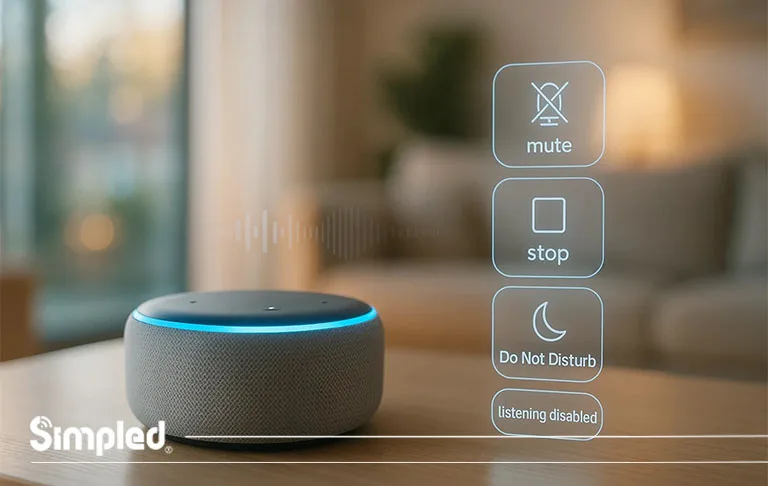
Smart speakers are designed to make life easier, but there are moments when you simply want Alexa to stop listening, stop responding, or stay quiet for a while. Whether you’re on an important call, watching a film, or you just need a bit of peace, knowing how to turn off Alexa with a voice command can save you time and frustration.
In this guide, you’ll learn every practical method for disabling Alexa—whether temporarily, partially, or completely—using voice commands and a few alternative controls. The aim is to help you use Alexa on your terms, with clear tools for privacy, convenience, and smarter home management.
Can You Fully Turn Off Alexa Using Only Voice Commands?
Here’s the truth:
You cannot completely power down an Echo device using a voice command alone. This is a built-in security and design feature—Alexa cannot shut itself down fully because it wouldn’t be able to wake itself back up.
But, you can disable listening, mute responses, stop activity, and turn off specific features purely through voice.
This guide covers all the commands you can use.
Voice Commands to Turn Off Alexa (Effective Methods)
Below are the most useful Alexa Voice Commands that help you mute, stop, disable, or limit Alexa’s activity instantly.
1. Turn Off Alexa’s Microphone Using Voice?
You can’t disable the microphone purely by voice, because Alexa must still hear the command.
To fully stop Alexa from listening:
Physical Method (Required)
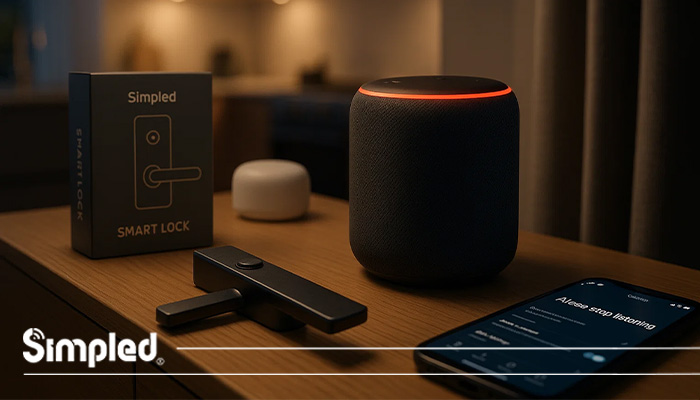
Press the microphone off button on top of the speaker.
You’ll see a red light indicating Alexa is no longer listening.
Why no voice command?
Amazon prevents this to avoid misuse—for example, a guest saying “Alexa, stop listening” without your consent.
2. Stop Alexa from Speaking or Responding
If Alexa starts talking and you want immediate silence:
Say:
“Alexa, stop.”
This is the fastest way to silence music, alarms, timers, or any ongoing response.
3. Put Alexa in Do Not Disturb Mode (Best Privacy-Friendly Option)
To disable notifications, announcements, and drop-ins:
Say:
“Alexa, turn on Do Not Disturb.”
This keeps Alexa running while blocking unwanted interruptions.
To turn it off again:
“Alexa, turn off Do Not Disturb.”
4. Stop Alexa from Listening Temporarily
If you just need a short break:
Say:
“Alexa, stop listening for a moment.”
This doesn’t fully disable the microphone but tells Alexa to pause and not react to the wake word for a short period.
Some devices interpret this as a “quiet mode,” depending on the model.
5. Disable Alexa Voice Purchasing
If you want to stop Alexa from making purchases via voice:
Say:
“Alexa, turn off voice purchasing.”
This protects households with children or shared environments.
6. Disable Specific Alexa Skills Using Voice Command
If a skill is causing unwanted activity:
Say:
“Alexa, disable [Skill Name].”
Example:
“Alexa, disable Daily News.”
7. Turn Off Alexa’s Wake Word Detection (Partially)
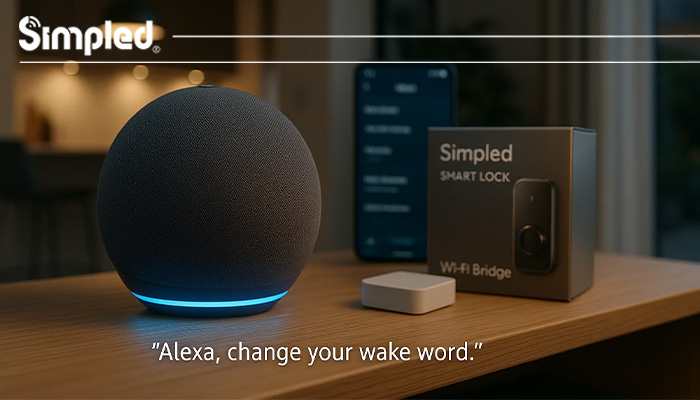
You can’t fully disable wake word detection by voice, but you can switch the wake word to something less common.
Say:
“Alexa, change your wake word.”
This reduces accidental triggers.
Alternative Ways to Turn Off Alexa Without Voice
Since Alexa cannot be fully powered off by voice alone, here are additional practical options.
1. Power Off the Device
Unplug the Echo speaker from its power source.
Best when:
You’re leaving home
You need complete privacy
You want to reboot the device
2. Use the Alexa App
In the app, you can disable:
Announcements
Drop-In
Calling
Voice purchasing
Specific skills
This gives you deeper control if voice commands aren’t enough.
3. Control Alexa Through a Smart Plug
A smart plug allows remote power control.
Example setup:
Plug your Echo into a smart plug
Use your phone to turn the plug off anytime
This ensures Alexa is fully off without physically unplugging it.
Common Mistakes to Avoid When Turning Off Alexa
Users often run into avoidable issues. Here are the most common pitfalls:
Mistake 1: Assuming “Alexa, stop” turns the device off
This command only ends the current action—it doesn’t disable Alexa.
Mistake 2: Forgetting about linked devices
Your Echo may trigger routines (e.g., lights or heating) even if Alexa is muted.
Double-check your automation settings.
Mistake 3: Switching wake words without confirming
If you change the wake word, some family members might not know the new command.
Mistake 4: Not using Do Not Disturb at night
Many people unplug Alexa unnecessarily when DND mode would have solved the problem instantly.
Tips for Managing Alexa Privately and Securely
Privacy matters, especially in a connected home. Here are smart practices:
Use the microphone off button during sensitive conversations
Regularly delete voice history from the Alexa app
Disable voice purchasing if not in use
Turn off Drop-In on shared Echo devices
Use DND mode during meetings or nighttime
When You Should Not Turn Off Alexa
Sometimes keeping Alexa active is actually helpful:
During home monitoring routines
When using smart security products
When expecting package updates or reminders
When using Alexa as part of a smart lock automation
(What special features do your products have in this part?)
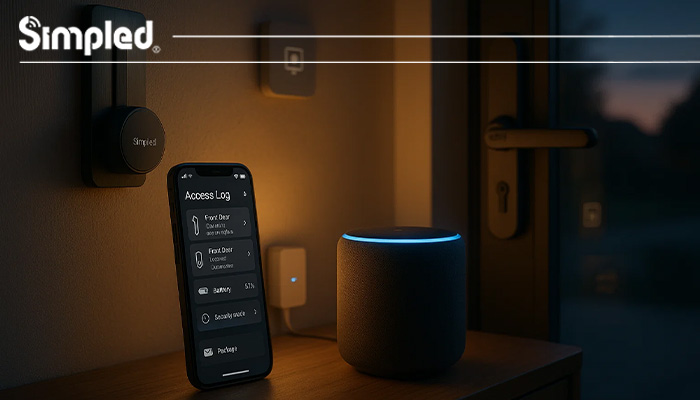
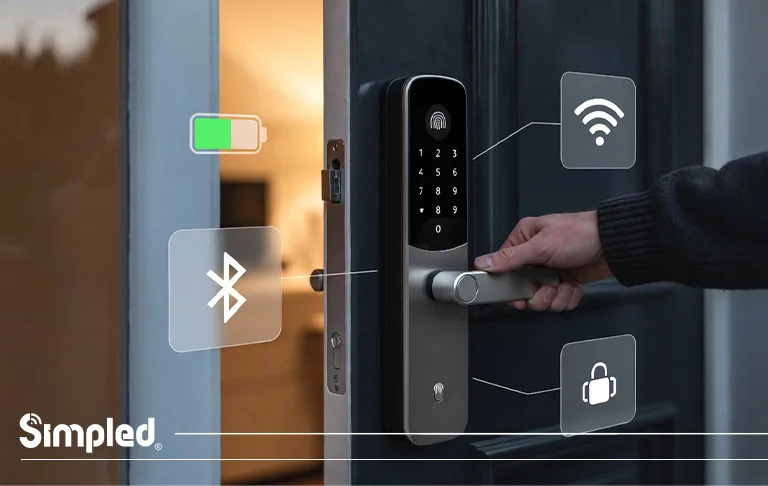
If you’re using a smart lock ecosystem—like BLE-based systems, automated access logs, or voice-triggered routines—Alexa can serve as an added convenience layer.
Conclusion
Turning off Alexa—or limiting how much it can hear, do, or say—doesn’t have to be complicated. While you can’t completely power down your Echo with a voice command, you can control almost every aspect of its behavior hands-free. Whether you’re using Do Not Disturb, disabling skills, stopping voice purchasing, or hitting the microphone button, the goal is clear: Alexa should work for you, not the other way around.
When combined with a smart, privacy-aware home setup, these commands help keep your environment calm, secure, and tailored to your daily routines.
FAQs
- Can Alexa be turned off completely using voice commands?
No. You can mute or limit Alexa with voice commands, but fully powering off requires unplugging the device or using a smart plug. - What’s the quickest way to mute Alexa?
Say “Alexa, stop.” This instantly silences alarms, music, or any active response. - Does Do Not Disturb mode stop Alexa from listening?
No. It only blocks notifications and calls. Alexa will still hear the wake word. - How do I disable Alexa voice purchasing?
Say “Alexa, turn off voice purchasing.” You can also disable it in the Alexa app. - Is it safe to leave Alexa on all the time?
Yes. Echo devices are designed for continuous use, and you can enhance privacy using the microphone-off button or DND mode.



Leave a Reply