

Smart homes are becoming the new standard across the UK — and for good reason. Voice-controlled lighting, intelligent routines, and seamless device integration make daily life easier, safer, and more energy-efficient.
If you’ve recently purchased Illumi Home smart lighting, you’re already halfway to transforming your space. The next step? Connecting it to Amazon Alexa. Once linked, you’ll be able to say things like:
“Alexa, turn on the living room lights.”
“Alexa, dim the bedroom to 30%.”
This guide will show you exactly how to connect Illumi Home to Alexa, troubleshoot common issues, and explore smart lighting tips that enhance comfort and convenience.
Why Connect Illumi Home to Alexa?
Before we dive into setup, it’s worth understanding why Alexa integration is such a powerful upgrade.
1. Hands-Free Control
No need to reach for your phone or wall switch — just use your voice. Whether you’re cooking, relaxing, or heading to bed, Alexa can instantly turn lights on or off, adjust brightness, or activate preset scenes.
2. Smarter Routines
Alexa lets you automate your Illumi lights around your schedule.
Example routines:
Morning: “Alexa, good morning” → Lights gradually brighten to mimic sunrise.
Evening: “Alexa, movie mode” → Dimmed lights for a cinematic feel.
Away Mode: Randomised lighting patterns to make your home look occupied.
Before setting up advanced routines and premium Alexa features, it’s worth understanding the potential disadvantages of Alexa subscription plans, especially if you’re trying to keep long-term smart home costs under control.
3. Energy Efficiency
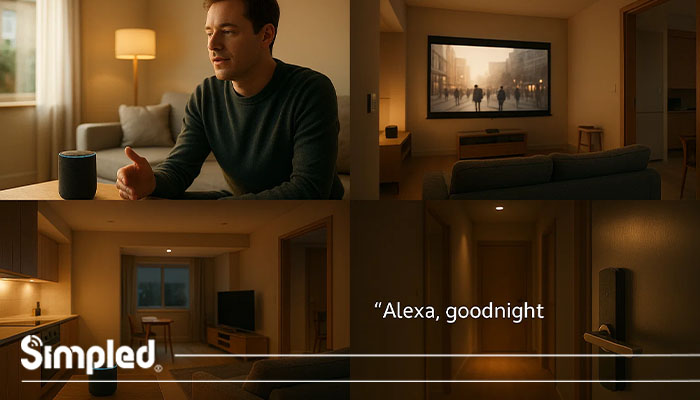
By integrating Illumi Home with Alexa, you can create energy-saving habits. For instance, set Alexa to switch off all lights when you say “Goodnight” or when you leave home.
4. Seamless Smart Home Integration
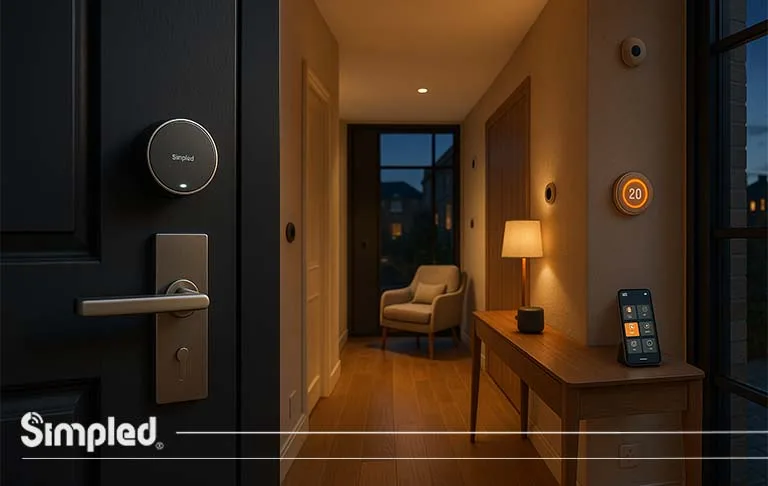
If your home already includes Simpled’s smart locks, thermostats, or sensors, connecting Illumi to Alexa allows all devices to work together — unlocking doors, adjusting temperature, and lighting up your entryway simultaneously.
How to Connect Illumi Home to Alexa: Step-by-Step
If you’re wondering how to connect LED lights to Alexa, the process is similar for most compatible smart LED lighting systems. For Illumi Home, follow the steps below. Follow these steps carefully for a smooth and successful connection.
Step 1: Prepare Your Devices
Before starting:
Ensure your Illumi Home lights are installed and powered on.
Connect your Illumi lights to the Illumi Home app.
Make sure your smartphone and Alexa device (like Echo or Echo Dot) are connected to the same Wi-Fi network.
? Tip: For best results, use a 2.4GHz Wi-Fi network — it’s more stable for smart home devices
Step 2: Open the Alexa App
Open the Amazon Alexa app on your mobile device.
Tap on the “More” icon in the bottom menu.
Choose “Skills & Games.”
Step 3: Enable the Illumi Home Skill
In the search bar, type “Illumi Home.”
Select the official Illumi Home Skill from the list.
Tap “Enable to Use.”
Sign in with your Illumi Home account credentials (the same ones you use for the Illumi app).
Once you link the account, Alexa will automatically sync your lighting devices.
Step 4: Discover Devices
After linking:
Say “Alexa, discover my devices”, or
Tap “Devices” → “Add Device” → “Light” → “Illumi Home.”
Alexa will now scan your network and add all compatible Illumi lights to your smart home setup.
⚙️ If Alexa doesn’t find your devices, check your Wi-Fi connection or ensure the Illumi app is running in the background.
Step 5: Test Voice Commands
Try these sample commands:
“Alexa, turn on the kitchen light.”
“Alexa, dim the lights to 50%.”
“Alexa, turn all lights off.”
“Alexa, set living room to warm white.”
Once confirmed, you’re officially connected!
Advanced Alexa Features for Illumi Home
1. Create Custom Lighting Groups
Group multiple lights together for effortless control.
Example: Combine Living Room Lamp and Wall Spotlights into one group named “Living Room.”
Then say:
“Alexa, turn on the living room.”
2. Set Lighting Scenes
Use the Illumi app to define mood-based presets like “Dinner,” “Work,” or “Relax.” Once linked, Alexa can activate them instantly:
“Alexa, set the lights to Relax mode.”
3. Pair with Smart Home Devices
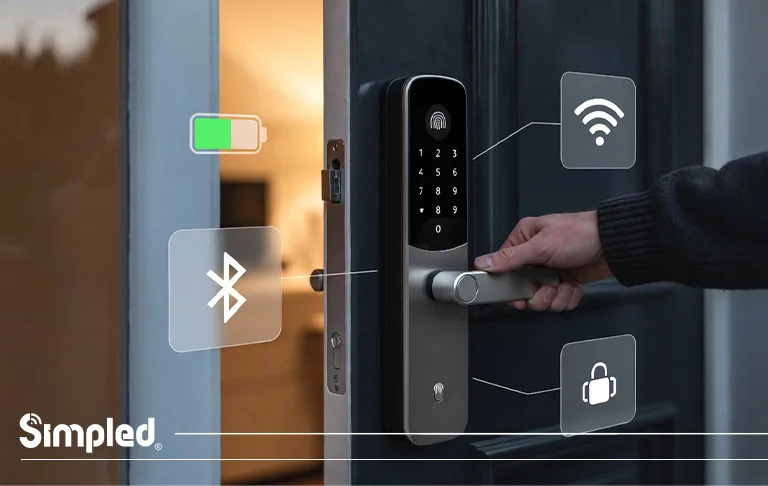
If you use Simpled products (e.g., Simpled SS Slim smart lock or Slim smart door lock), Alexa can trigger Illumi lights when the front door unlocks or when motion is detected.
Common Troubleshooting Tips
Even smart systems need a little fine-tuning. Here’s how to fix common connection issues.
1. Alexa Can’t Find Illumi Devices
Confirm both Alexa and Illumi are connected to the same Wi-Fi.
Reboot your router and Echo device.
Disable and re-enable the Illumi Home skill.
2. Commands Not Working
Check that your device name isn’t too similar to others.
Re-sync by saying “Alexa, discover devices.”
Update the Illumi and Alexa apps to the latest versions.
3. Slow Response or Lag
Avoid overcrowding your Wi-Fi with too many smart devices.
Use a strong router or a mesh system for larger homes.
Best Practices for a Smooth Experience
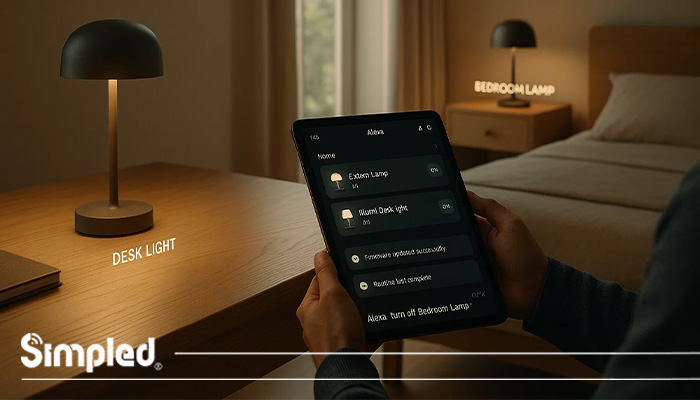
Name devices logically: “Bedroom Lamp” or “Desk Light.”
Keep firmware updated for both Illumi and Alexa.
Test routines before relying on them daily.
Use Alexa’s app dashboard to monitor performance.
Conclusion: Smart Living, Simplified
Connecting Illumi Home to Alexa is one of the easiest ways to elevate your smart home experience. From cozy lighting scenes to energy-saving routines, it’s about making technology work for your lifestyle — not the other way around.
Whether you’re expanding your smart ecosystem or just starting, integrations like this are the foundation of a truly connected home.
At Simpled, we believe in effortless innovation — products that blend design, functionality, and intelligence to make every home smarter, safer, and simpler.
FAQs
1. How do I connect Illumi Home to Alexa?
Enable the Illumi Home Skill in the Alexa app, link your account, and discover devices.
2. Why won’t Alexa find my Illumi lights?
Check Wi-Fi connection, re-enable the skill, and ensure both apps are updated.
3. Can I control multiple Illumi lights with Alexa?
Yes. You can group lights or create lighting scenes in the Alexa app.
4. Does Illumi Home work with Google Assistant too?
Yes, Illumi supports both Alexa and Google Assistant for voice control.
5. Can I set lighting routines with Alexa?
Absolutely. You can schedule lights for morning wake-ups or evening relaxation modes.



Leave a Reply