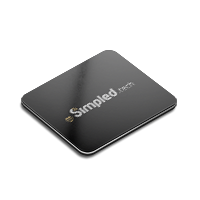
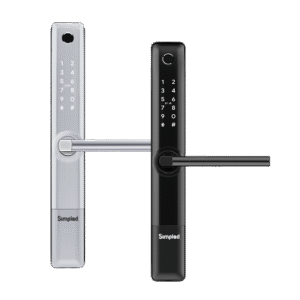
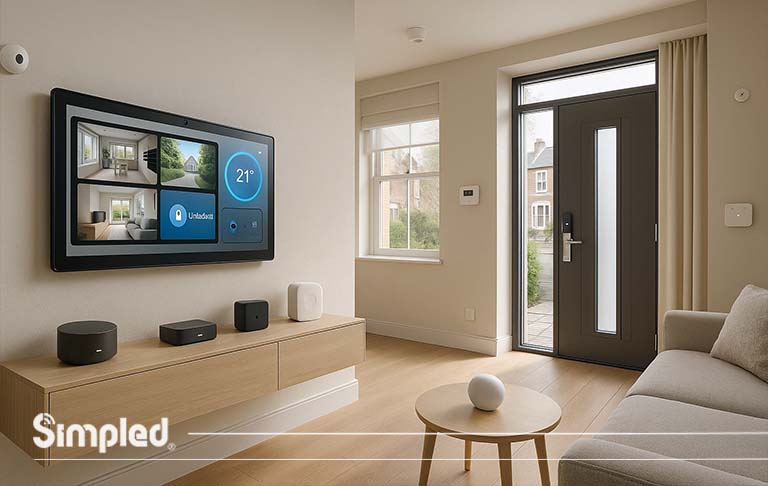
As smart homes continue to evolve, the hub at the centre of your system is more important than ever. A smart home hub connects all your devices—from smart locks and door viewers to lighting and thermostats—allowing you to control them from one central interface.
At Simpled, we design smart locks and wireless security systems that integrate seamlessly with top smart hubs, ensuring your home is not only connected but also secure. In this article, we’ll break down the difference between BT Smart Hub 1 and 2, compare their key specifications, and explore the best smart home hub devices available in 2026.
What Is a Smart Home Hub?
A smart home hub acts as the control centre or the “translator” for all connected devices in your home. It connects your gadgets—smart locks, thermostats, cameras, lighting, and more—allowing them to work together even if they use different communication protocols like Wi-Fi, Bluetooth Low Energy (BLE), Zigbee, or Z-Wave. Without a hub, each device may function independently, but a smart hub brings everything under one roof for smoother automation.
Types of Smart Home Hubs in 2026
Smart home hubs are divided into two main types: Hub Devices with Screens and Hub Devices without Screens. Each of these hubs has its own unique features, advantages, and disadvantages. Below, we will explore each type in detail.
1. Hub Devices with Screens
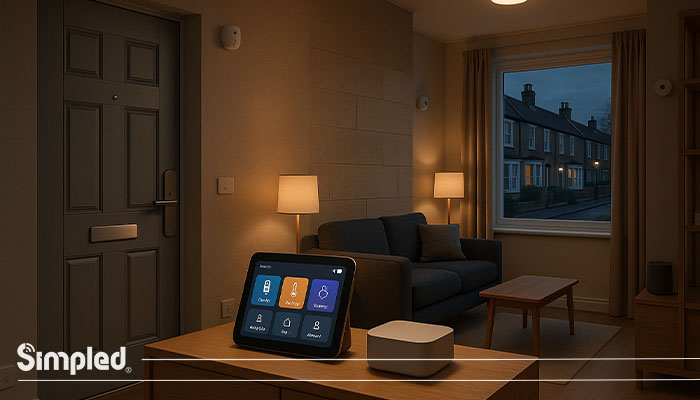
Smart hubs with screens offer visual feedback, making it easy to check cameras, control devices, or view notifications at a glance. Some also function as digital assistants, combining smart home control with video calling or media streaming.
Pros: Intuitive interface, instant feedback, multitasking features
Cons: Higher price point, takes more space, can be visually intrusive
2. Hub Devices without Screens
These are often compact devices that rely on apps or voice control. While they don’t provide visual feedback, they can still coordinate complex automation across multiple devices.
Pros: Cost-effective, discreet, easy integration
Cons: No on-device interface, reliant on smartphone or voice commands
Key Features to Look for in the Best Smart Home Hub
When searching for the best smart home hub UK, consider these features:
Compatibility: Supports multiple protocols like BLE, Zigbee, Z-Wave, and Wi-Fi.
Device Capacity: Can connect dozens of devices without lag.
Voice Control Integration: Works with Alexa, Google Assistant, or Siri.
Automation Capabilities: Allows setting schedules, routines, and triggers.
Security Features: Protects connected devices from hacking or unauthorized access.
📌 Simpled perspective: Our smart locks and digital door viewers are designed for seamless hub integration, using ultra-low energy BLE technology while maintaining security and reliability.
Best Smart Home Hub Devices for 2026
Selecting the right smart home hub is crucial for seamless integration and control of your connected devices. Here are some of the top smart home hubs available in 2026:
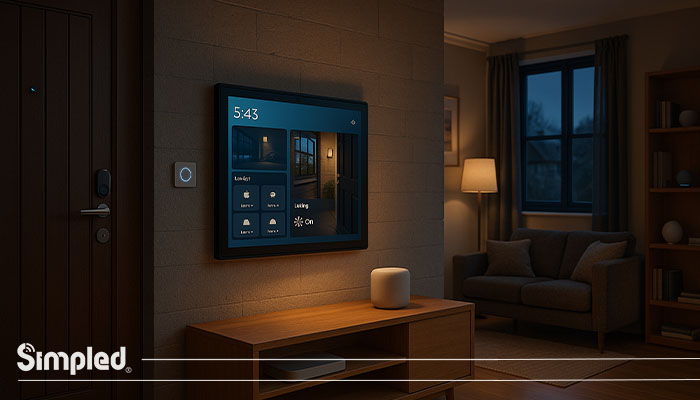
1. Amazon Echo Show 15
Key Features:
- 15.6-inch HD touchscreen display
- Built-in Alexa voice assistant
- Supports Wi-Fi, Zigbee, Thread, Bluetooth LE Mesh, and Sidewalk
- Power over Ethernet (PoE) capability for stable connectivity
- Wall-mountable design for space-saving
Why It’s Among the Best:
The Amazon Echo Show 15 stands out with its large display, offering a visual control center for your smart home. Its extensive connectivity options ensure compatibility with a wide range of devices, making it a versatile choice for users seeking both functionality and aesthetics.
2. Google Nest Hub Max
Key Features:
- 10-inch HD touchscreen display
- Google Assistant built-in
- Supports Wi-Fi, Zigbee, Thread, and Bluetooth LE
- Integrated camera for video calls and home monitoring
- Stereo speakers for enhanced audio experience
Why It’s Among the Best:
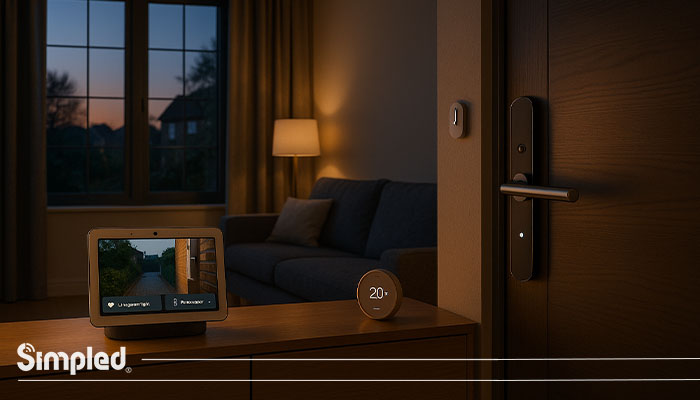
The Google Nest Hub Max offers a balance between functionality and entertainment. Its camera and speakers make it ideal for video calls and media streaming, while its smart home capabilities ensure seamless integration with other devices.
3. Samsung Aeotec Smart Home Hub
Key Features:
- Supports Zigbee, Thread, and Matter protocols
- Compact design for discreet placement
- Seamless integration with Samsung SmartThings ecosystem
- Reliable performance with robust connectivity options
Why It’s Among the Best:
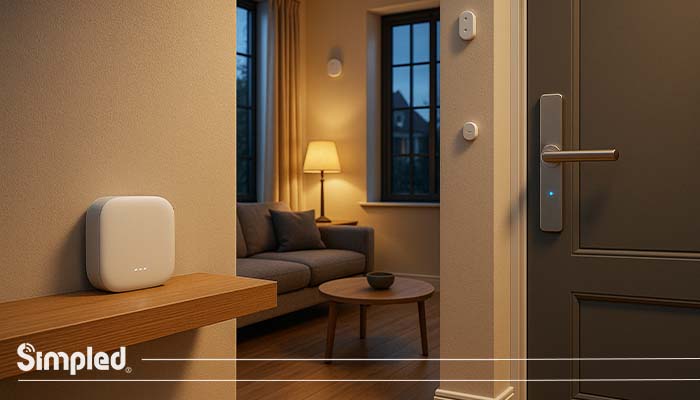
The Samsung Aeotec Smart Home Hub is a reliable choice for users invested in the SmartThings ecosystem. Its support for multiple protocols ensures broad device compatibility, and its compact design allows for flexible placement in your home.
4. Hubitat Elevation Model C-8 Hub (UK Version)
Key Features:
- Local processing for faster response times
- Supports Zigbee, Z-Wave, and LAN devices
- Advanced automation capabilities
- Privacy-focused with no cloud dependency
Why It’s Among the Best:
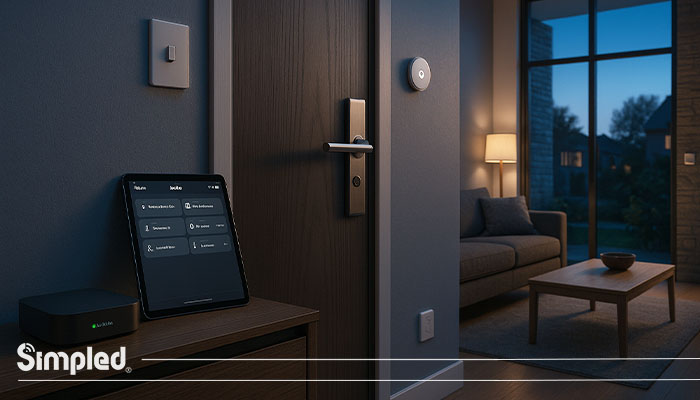
The Hubitat Elevation Model C-8 Hub (UK Version) is perfect for power users who prioritize speed and privacy. Its local processing ensures quick automation responses, and its extensive device support makes it highly versatile.
5. Aqara Hub M2
Key Features:
- Supports Zigbee 3.0 and IR control
- Compact and minimalist design
- Affordable pricing
- Integration with Apple HomeKit, Google Home, and Amazon Alexa
Why It’s Among the Best:
The Aqara Hub M2 offers excellent value for money. Its support for multiple ecosystems and additional IR control functionality make it a great entry-level choice for users looking to expand their smart home setup without breaking the bank.
6. Tapo H200 Smart Hub with Alarm & Chime
Key Features:
- Built-in 110dB alarm and chime for security alerts
- Supports Wi-Fi connectivity
- Integration with Amazon Alexa and Google Assistant
- Compact design for easy placement
Why It’s Among the Best:
The Tapo H200 Smart Hub with Alarm & Chime is an excellent choice for users seeking enhanced security features. Its loud alarm and chime provide immediate alerts, and its smart integrations allow for convenient control via voice assistants.
7. Apple HomePod mini
Key Features:
- Siri voice assistant built-in
- Supports Wi-Fi, Bluetooth, and Thread protocols
- Acts as a Thread Border Router and Matter Controller
- Compact, fabric-wrapped design with 360-degree sound
- Deep integration with the Apple ecosystem (HomeKit)
Why It’s Among the Best:
The HomePod mini is the best choice for Apple users prioritizing security and ease of use. It processes all data locally and on-device, offering excellent privacy. Its seamless operation as a Thread Border Router ensures a highly responsive and future-proof HomeKit setup.
8. Homey Pro
Key Features:
- Unifies over 50,000 products from 1,000+ brands
- Supports 8 technologies: Wi-Fi, Zigbee, Z-Wave Plus, BLE, 433MHz RF, Infrared, Matter, and Thread
- Local processing option with cloud backup
- Advanced “Flows” automation engine
- Sleek, domed design with an RGB LED ring
Why It’s Among the Best:
| Smart Hub | Protocols Supported | Best Ecosystem | Visual Display | Primary Advantage |
|---|---|---|---|---|
| Wi-Fi, Zigbee, Matter, Thread, Sidewalk | Amazon Alexa | 15.6″ Touchscreen | Best visual dashboard | |
| Wi-Fi, Thread, Matter, Bluetooth | Google Home | 10″ Touchscreen | Best for video calls/Google users | |
| Zigbee, Z-Wave, Matter, Thread | SmartThings | No | Widest device compatibility | |
Hubitat C-8 | Zigbee, Z-Wave, Matter, LAN | Independent | No | Best privacy & local speed |
| Zigbee 3.0, Matter, IR | Apple Home / Multi | No | Best for IR device control | |
| Wi-Fi, Sub-1G | TP-Link / Alexa | No | Best built-in security alarm | |
| Wi-Fi, Bluetooth, Thread | Apple HomeKit | No | Best for Apple privacy/users | |
| 8 technologies (Z-Wave, Zigbee, IR, etc.) | Independent / Multi | No | Unrivaled connectivity options |
What Is the BT Smart Hub (Smart Hub 1)
The BT Smart Hub 1 was a major leap forward, replacing the older Home Hub series.
Key Features:
- Dual-band Wi-Fi (2.4GHz and 5GHz)
- Seven internal antennas for wide coverage
- Smart channel selection to reduce interference
What Is the BT Smart Hub 2? & Core Improvements
The Smart Hub 2 is an upgraded version built for data-heavy homes.
Core Improvements:
- WPA3 encryption for enhanced security
- Smart network management for multiple devices
- Built-in DECT support for BT Digital Voice
- Compatibility with BT Complete Wi-Fi discs
BT Smart Hub vs Smart Hub 2: Key Differences & Comparison
Connectivity, Speed, and Performance
The BT Smart Hub 2 delivers faster performance through refined antenna design. While Smart Hub 1 is adequate for small households, Smart Hub 2 handles 4K streaming and multiple smart locks more efficiently, maintaining signal quality across larger homes.
Security Enhancements
Smart Hub 1 offered WPA2 protection. Smart Hub 2 upgrades this to **WPA3**, giving stronger encryption against cyber threats—crucial when you are running IoT systems like Simpled digital locks.
3. Smart Home Compatibility & Automation
Smart Hub 2 is designed for the modern ecosystem. It allows for smoother performance when handling multiple devices at once and integrates with BT’s Complete Wi-Fi system to eliminate dead zones.
4. Design and User Experience
Smart Hub 2 introduces a matte grey body with vertical orientation for better airflow. It includes a modern dashboard allowing users to view connected devices and manage parental controls easily.
5.Voice and Broadband Integration
Smart Hub 2 supports “BT Digital Voice”, replacing traditional phone lines with VoIP. This makes it a future-proof investment as the UK transitions to digital phone services.
Is Smart Hub 2 Better Than Smart Hub? (Future-Proofing & Longevity)
Yes. Smart Hub 2 is designed for future compatibility with new protocols. Firmware updates ensure ongoing performance and security improvements, making it a stable foundation for smart home enthusiasts.
Common Mistakes When Upgrading
- Skipping Firmware Updates
- Overloading Devices (not disconnecting unused ones)
- Ignoring Placement (hub should be central)
- Mixing Network Names (rename the new Wi-Fi to avoid confusion)
How to Choose the Best Smart Hub for Home
Step 1: Assess Your Devices
List all the smart devices in your home and check which protocols they use. A hub with broad compatibility avoids future replacement costs.
Step 2: Consider Automation Needs
Do you want simple on/off control, or complex routines that integrate multiple devices? More automation usually requires a hub with stronger processing capabilities.
Step 3: Determine Interface Preference
Decide whether a screened hub or app/voice-controlled hub suits your lifestyle. Families often prefer screens, while tech-savvy individuals may be happy with mobile-only control.
Step 4: Evaluate Security and Reliability
For homes with smart locks and security devices, ensure the hub has robust encryption, low-latency connectivity, and backup options in case of network outages.
Which Should You Choose?
| Choose BT Smart Hub 1 if: | Choose BT Smart Hub 2 if: |
| You have fewer than 5 devices | You have multiple smart home devices |
| You live in a small flat | You live in a large house |
| You’re on a tight budget | You want future-ready security (WPA3) |
| You don’t need digital voice | You use voice assistants or Complete Wi-Fi |
How Do Simpled Products Work with Smart Hubs?
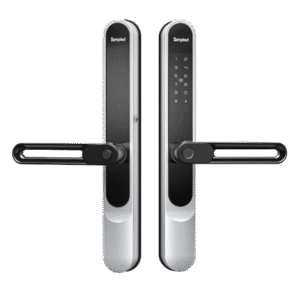
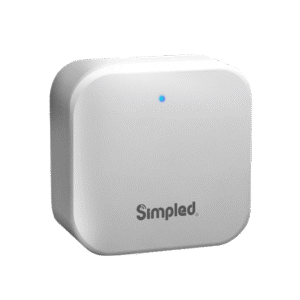
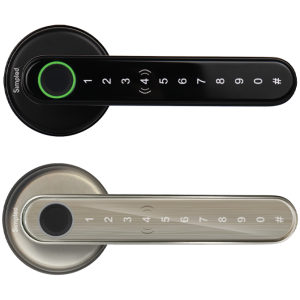
Simpled products are designed with BLE (Bluetooth Low Energy) technology for long-lasting batteries. Whether you use a BT Smart Hub 2 or a dedicated hub like the Aeotec, Simpled devices integrate smoothly.
- Smart Locks: Unlock remotely via the hub or automate access (e.g., “turn on lights when the door unlocks”).
- Digital Door Viewers: Sync with the hub for real-time alerts.
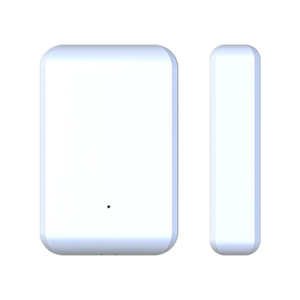
- Wireless Security: Pair with your hub for centralized monitoring.
Best Smart Home Hub System for Security
A hub that integrates security devices is especially important. In 2026, the trend is towards combining door locks, cameras, and motion sensors into a single, manageable interface.
Simpled Integration: Our BLE-powered smart locks can operate alongside your hub with minimal battery consumption. The SS Smart Lock even features built-in Wi-Fi for instant remote access, reducing reliance on extra bridges or adapters.
Benefits: Real-time notifications, automated security routines, and seamless integration with home automation.
UK-Specific Considerations
Smart Hub Availability: Check which hubs are officially available and supported in the UK.
Device Compatibility: UK homes often mix UK-specific devices with global brands; a hub with multiple protocol support is key.
Energy Efficiency: BLE-based locks and sensors, like Simpled products, reduce overall energy consumption.
Privacy and Security Compliance: Ensure the hub complies with UK data protection regulations.
Conclusion
Choosing the best smart home hub 2026 involves evaluating your devices, security needs, and lifestyle. Whether you prefer a hub with a screen for visual feedback or a compact app-controlled device, the right hub will unify your home’s technology seamlessly.
At Simpled, our smart locks and wireless security systems are designed to work with a wide range of hubs, delivering reliability, ultra-low energy consumption, and secure integration. Investing in the right hub now ensures your home is ready for the next generation of connected living.
FAQs
- Should I choose a smart hub with a screen or without a screen?
Choose a hub with a screen if you want visual feedback and camera monitoring; choose without a screen if you prefer a compact, app- or voice-controlled setup.
- Can Simpled smart locks integrate with all smart hubs?
Yes. Simpled smart locks are designed for broad compatibility with most hubs, supporting BLE, Wi-Fi (SS Smart Lock), and common smart home protocols.
- How many devices can the best smart home hub support?
It varies by model, but most top hubs can connect dozens to over 100 devices simultaneously, depending on protocol and network capacity.
- What is the difference between smart hub devices and smart home hub systems?
Smart hub devices are individual controllers (with or without screens), while smart home hub systems include the hub plus integrated ecosystem of devices and automation features.



I can not afford a new smart lock, can I connect the home hub to my existing security system?
yes it is possible. you can use some experts’ knowledge.